Home Quizzes School Primary school Grade 2 Parts of a computer Grade 2 · Computing
Computing quiz for grade 2: Parts of a computer This quiz helps revise “Parts of a computer” in Computing for grade 2. It has 25 questions in five categories: Main parts, Types of computers, Helper devices, Buttons and clicks, Safety rules. Questions get harder as the points go up, from 100 to 500.
Play↗
A peek at the questions The 100- and 200-point questions are open here. The rest show only their first words, and there are no answers: all of that is in the game itself.
Main parts 100 Which part of a computer shows pictures, videos, and game worlds?
200 Which device do you slide across a flat mat with your palm to direct the arrow?
300 Which device has letter…
400 Which sturdy case houses…
500 Which chip carries out…
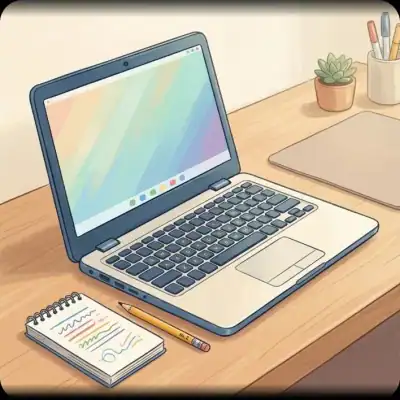
Types of computers 100 Which portable computer can be folded shut like a book and taken on trips?
200 Which flat portable computer, usually larger than a smartphone, has a touchscreen?
300 Which pocket-sized gadget lets…
400 Which type of computer…
500 Which wearable smart gadget…
Helper devices 100 Which device do you wear over your ears to hear game sounds and music without disturbing others?
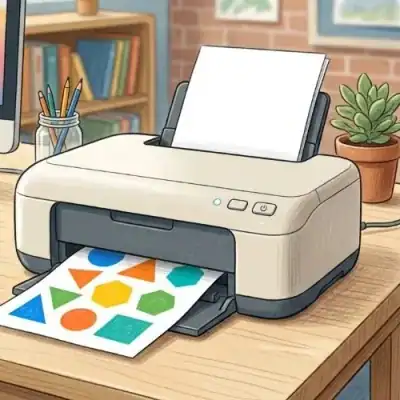
200 Which machine transfers colourful drawings and text from a computer onto a sheet of paper?
300 Which audio devices make…
400 Which small digital camera…
500 Which compact keychain device…
Buttons and clicks 100 Which small on-screen mark usually looks like a white arrow and points at items?
200 Which extra-long key at the bottom creates an empty space between words as you type?
300 Which rotating part between…
400 Which prominent key do…
500 Which smooth pad beneath…
Safety rules 100 What should you never keep near the workspace to prevent accidental liquid spills?
200 What is the minimum recommended distance between your eyes and a computer monitor?
300 Which organs should you…
400 Which body part must…
500 What connects the computer…
Play this quiz All 25 questions and the answers are in the game. Invite your class or friends with a link — guests need no account.
Play↗
How it works Pick a quiz and press “Play”. Send students or friends the link — they join from a phone or a computer. Choose questions on the board, buzz in first and collect points.