Home Quizzes School Primary school Grade 3 Files and folders Grade 3 · Computing
Computing quiz for grade 3: Files and folders This quiz helps revise “Files and folders” in Computing for grade 3. It has 25 questions in five categories: File names, What's inside?, Folders and order, Actions and tools, Where they live. Questions get harder as the points go up, from 100 to 500.
Play↗
A peek at the questions The 100- and 200-point questions are open here. The rest show only their first words, and there are no answers: all of that is in the game itself.
File names 100 Which punctuation mark separates a file's name from its extension?
200 What do we call the short code after the dot in a file name that shows what type it is?
300 In Windows, which punctuation…
400 Which unit of digital…
500 What do we call…
What's inside? 100 Which type of file is created in Notepad to write poems, stories, or notes?
200 Which type of file stores photos and drawings and usually has the extension JPG or PNG?
300 Which digital files have…
400 Which type of file…
500 What do we call…
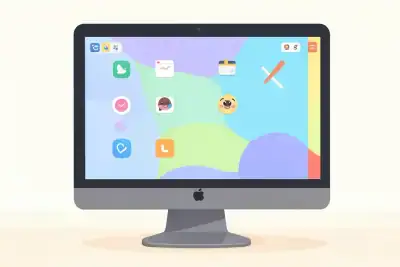
Folders and order 100 What is this main computer screen with application icons that appears after the system starts?
200 What is this special place on a computer where deleted files are kept until emptied?
300 What do we call…
400 Which plant with a…
500 What do we call…
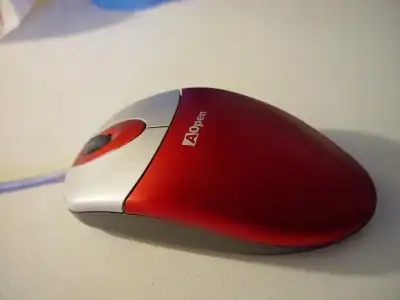
Actions and tools 100 How many quick clicks with the left mouse button are needed to open a file or folder?
200 Which command should you choose to give an existing file or folder a new name?
300 What action makes an…
400 What do we call…
500 Which pop-up menu of…
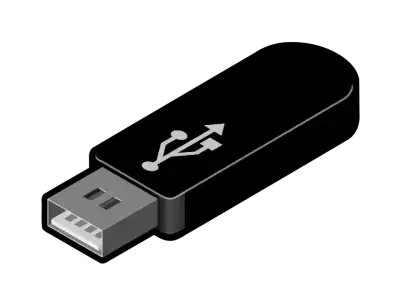
Where they live 100 What is this small pocket-sized storage device that plugs into a computer's USB port?
200 What is this shiny round disc with a mirror surface that is read by a laser beam inside a computer?
300 What is this storage…
400 Which tiny rectangular card…
500 What do we call…
Play this quiz All 25 questions and the answers are in the game. Invite your class or friends with a link — guests need no account.
Play↗
How it works Pick a quiz and press “Play”. Send students or friends the link — they join from a phone or a computer. Choose questions on the board, buzz in first and collect points.